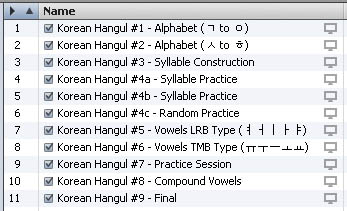
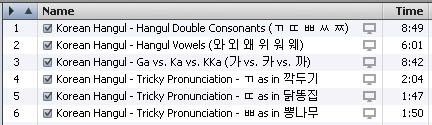
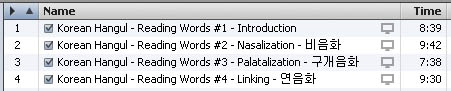
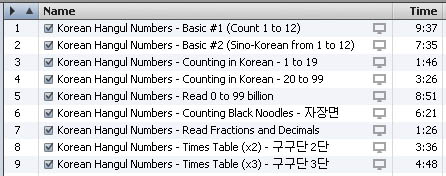
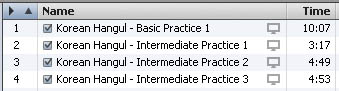
If you need help on creating the playlists, adding the movies to iTunes, or downloading the files, feel free to e-mail me.
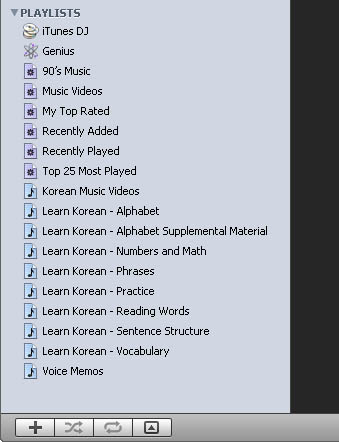
Suggested playlists in iTunes
| In iTunes music or
audio can be
grouped by "album",
"author", "genre",
etc. The only way I have found to organize videos
and enforce a play
order is using playlists. Once you have downloaded the files
onto your
computer, create a new playlist by going to the "File" menu and select
"New Playlist". Give the playlist a name, and then drag into
the
playlist window the files. You can reorder the files within
the
playlist if desired. This order will be reflected when you
view the
playlist on your iPod. If you need help on creating the playlists, adding the movies to iTunes, or downloading the files, feel free to e-mail me. |
Suggested playlists in iTunes |
 |
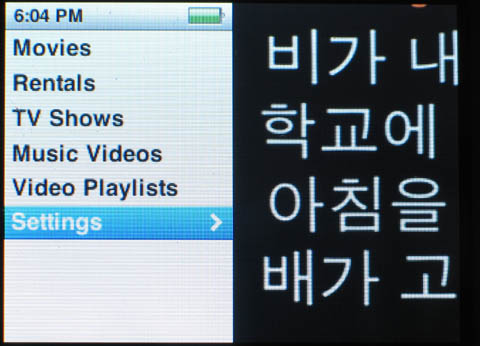 |
| The main iPod screen, select the "Videos" menu item | I recomend you
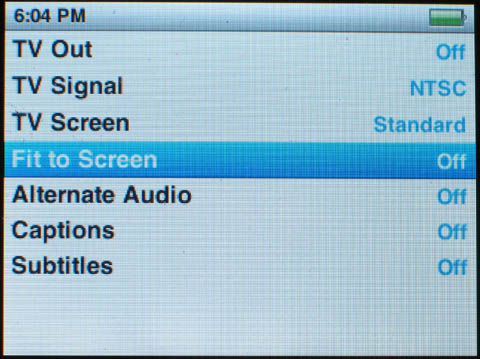
adjust the video settings first |
 |
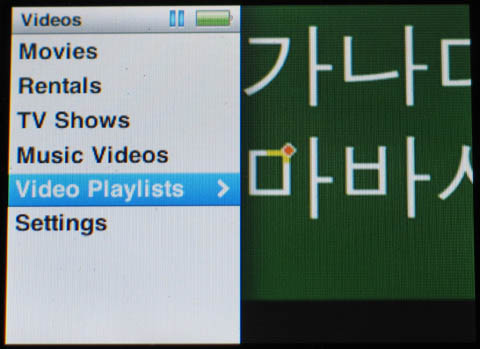 |
| Turn "Fit to Screen" off to see all of the video | Select the "Video Playlists" menu item |
 |
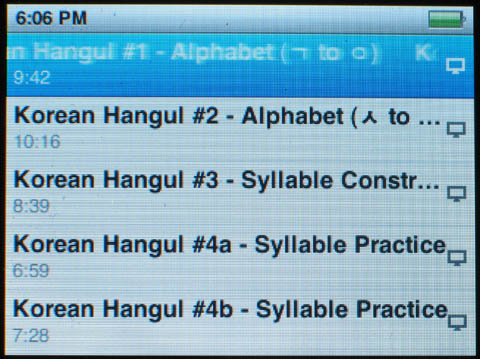 |
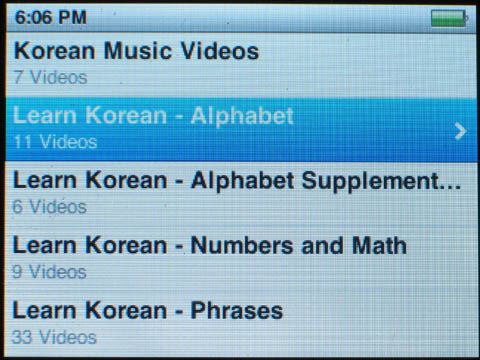
| Choose a video playlist | Select a video to start from |
 |
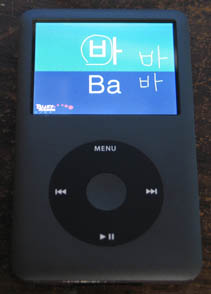 |
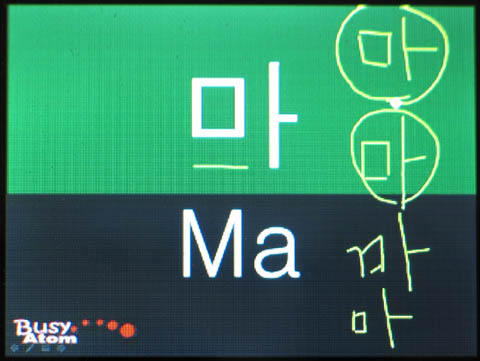
| The video looks great, even on the tiny screen! |